TalkTalk HomeSafe Blocking Your IPTV? How to Switch It Off and Stream Again
IPTV stops working on TalkTalk broadband more often than people expect. One moment the channels are playing, the next they freeze, buffer, or fail to load at all. When that happens, the first thing to check is TalkTalk HomeSafe, because it can block your IPTV service at the network level. If that is the cause, you can switch it off in about two minutes, and your channels will usually come back within a few minutes.
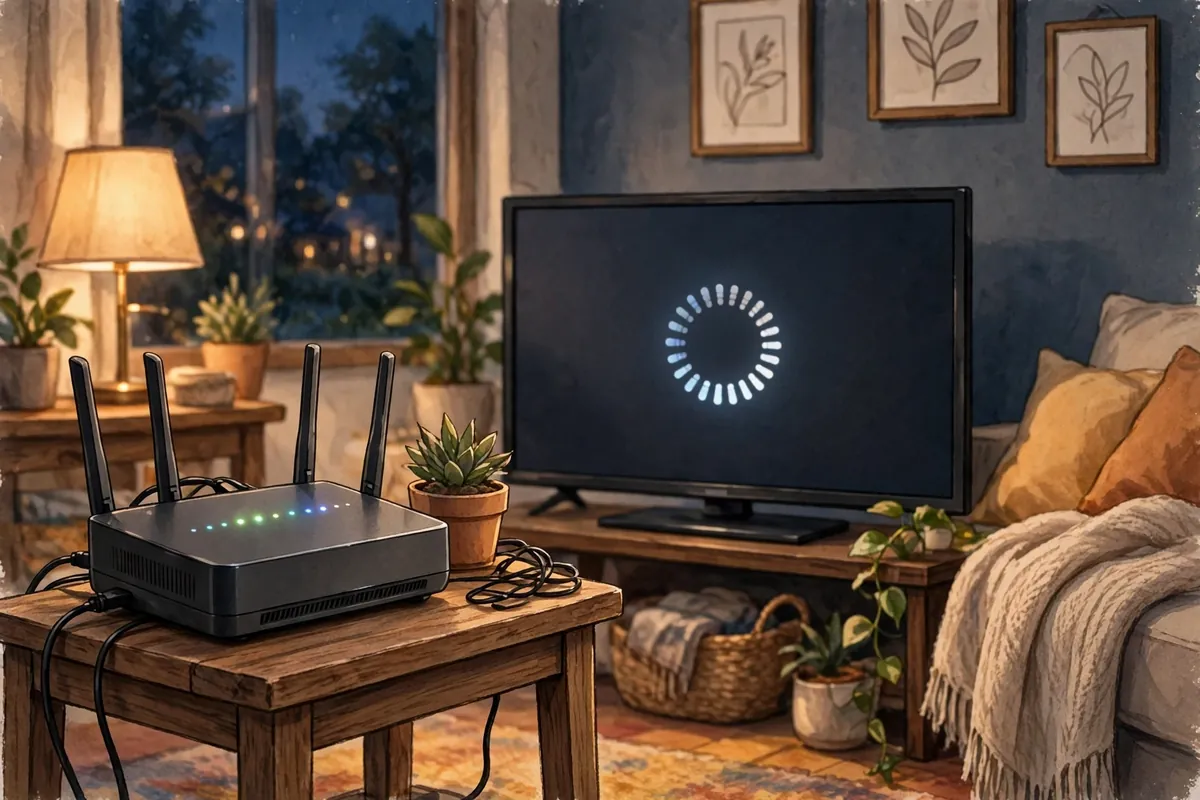
Checked on 9 November 2026. The switch-off steps below follow TalkTalk’s own Help Centre pages for HomeSafe, updated October 2026.
Quick answer: TalkTalk HomeSafe can block IPTV by filtering the addresses your player connects to. Test it by playing the same channel on your phone using mobile data instead of Wi-Fi — if it plays on mobile data but not on your TalkTalk Wi-Fi, HomeSafe is the block. Switch it off in My Account → Profile & Settings → My Security Settings, turn off Kids Safe and Scam Protection, confirm, wait a few minutes, and reload your player.
The short version
- ✓Test on mobile data first. If the channel plays on mobile data but not on TalkTalk Wi-Fi, HomeSafe is the block.
- ✓Switch off Kids Safe and Scam Protection in My Account → Profile & Settings → My Security Settings, then confirm.
- ✓Wait a few minutes, then reload your player. The change is not always instant, and the old filters can take a while to clear.
- ✓If it still fails, check the other causes. Your connection limit, login details and broadband speed can all look like a HomeSafe block.
- ✓IPTVUK: 55,000+ channels, 195,000+ VOD, Anti-Freeze 9.1, 7-day catch-up. Plans from £12.99 a month, and every plan starts with the same full service.
What Is TalkTalk HomeSafe, and Why Does It Block IPTV?
TalkTalk HomeSafe is a network filter that protects your home broadband from inappropriate or harmful content. It blocks websites and services it deems to be risky, including some that look like piracy sites or that host malware. You don’t install it or switch it on — it’s on by default, and it filters your connection at the network level.
That means it doesn’t just block sites in your browser. It can also block the addresses your IPTV player connects to, so the app can’t load channels or play streams. When that happens, the player may freeze, buffer, show an error, or fail to load at all — and it can look exactly like a problem with your IPTV provider.
How to Tell in 30 Seconds Whether HomeSafe Is the Problem
The fastest way to check is to play the same channel on your phone using mobile data instead of Wi-Fi. If it plays on mobile data but not on your TalkTalk Wi-Fi, HomeSafe is the block. If it fails on both, the problem is elsewhere — usually your IPTV provider, your app, or your connection.
| Test | What it tells you |
|---|---|
| Mobile data | Works on mobile data but not on TalkTalk Wi-Fi → HomeSafe is filtering the stream. |
| Another TV or device | Works on another device → the problem is the app or device, not HomeSafe. |
| Broadband | HomeSafe switched off but channels still fail → the problem is elsewhere, usually your connections limit or the login details. |
| The router | A restart brings the channels back → the router was stuck on the old filters. |
These are not perfect tests — a bad app or a weak connection can look like a block — but they narrow it down fast.

Fix 1: Switch Off Kids Safe and Scam Protection in My Account
You can switch off HomeSafe in your TalkTalk account. It takes about two minutes, and you won’t need your Wi-Fi password.
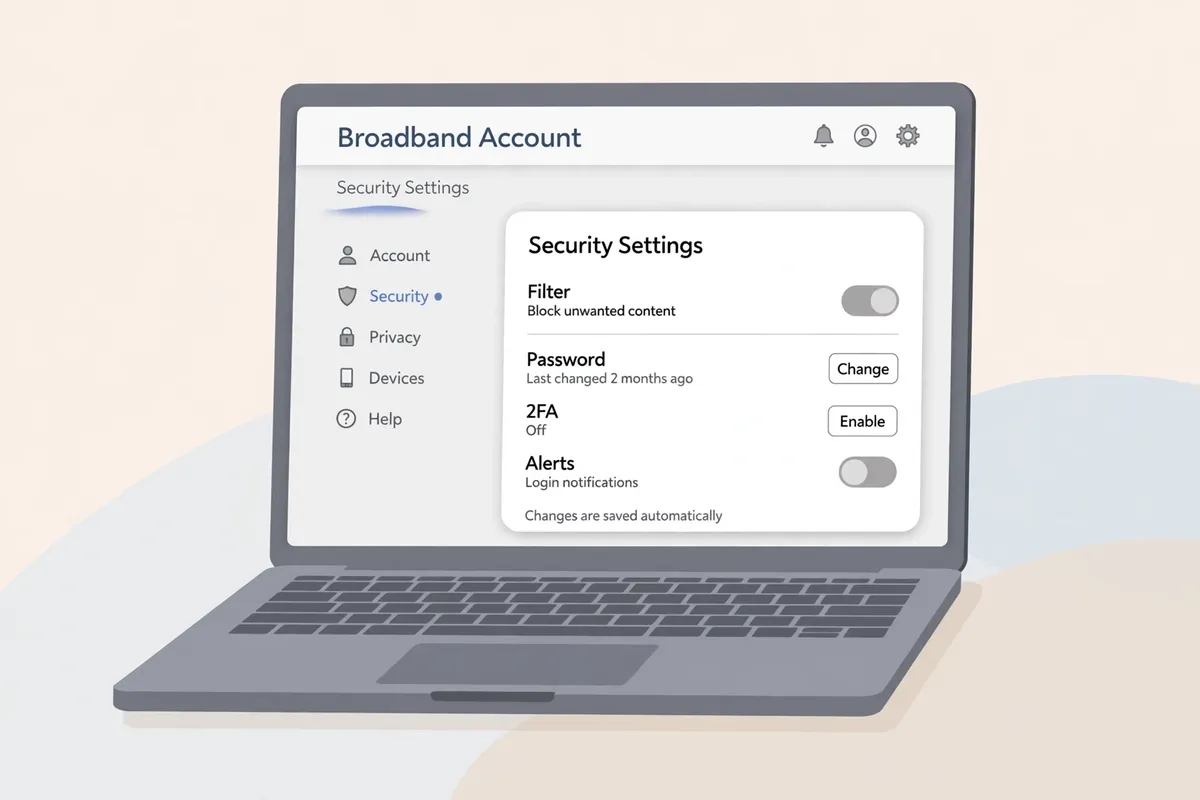
- 1Open your TalkTalk account and sign in to My Account on your phone or laptop.
- 2Open Profile & Settings and then My Security Settings.
- 3Switch off Kids Safe. It filters streaming sites, including apps and platforms like YouTube, ITVX and iPlayer.
- 4Switch off Scam Protection. It also filters sites, and will block some IPTV portals.
- 5Confirm. TalkTalk warns you that this makes your broadband connection less safe. Note that this is a network switch, so you will not be asked to enter your Wi-Fi password.
- 6Wait a few minutes. The change is not always instant, and the old filters can take a while to clear.
If you still see the older path, open My Account → My Services → HomeSafe, turn off the switches, confirm, and wait a few minutes. You will not need your Wi-Fi password to do this — the setting is at your network level, not in your device.
The only controls that let you put a time limit on the internet are Kids Safe’s Homework Time and Virus Alerts’ settings. HomeSafe itself does not time-limit internet access: setting a time limit in the app only controls access to the app.
Fix 2: Reload the Player and Re-Test the Channels
Once the switches are off, reload your player. Close the app completely, reopen it, and play a channel that failed before. If it plays, HomeSafe was the problem. If it buffers, wait a few minutes: the old filters can take a while to clear.
Then test a few channels, not just one. Try a live channel, a sports channel and a movie channel. If they all play, the problem is fixed. If some channels still fail, the problem is likely your connection limit or the login details — see Fix 3 below.

Fix 3: If It Still Fails, Rule Out the Other Causes
If you have switched off Kids Safe and Scam Protection, waited a few minutes, and the channels still fail, the problem is probably not HomeSafe. Work through these checks before you assume the service is down:
- ✓Check your plan’s connections. You cannot exceed your IPTV plan’s connection limit by watching on too many devices at once — the portal will fail or freeze, and switching off HomeSafe won’t change that.
- ✓Retype the login details. The details that let you in are the portal URL, the username and the password, so retype them carefully, character by character, checking every letter, number, space and case.
- ✓Test the broadband speed. Check your broadband speed: HD and 4K streams need it to be stable. You can test it from your broadband provider’s speed test or a site like speedtest.net.
- ✓Try another player app. If you use TiviMate, test the same channel in IPTV Smarters Pro. A bad app or a bad playlist will make you think your internet connection is at fault. Our blogs page lists our Firestick player guide and other setup help.
Why This Keeps Happening — and the Limit of Your Current Setup
TalkTalk’s filters are still there because they were built for protection. HomeSafe blocks malicious sites — and sometimes legal ones. If your provider blocks your stream, the only options are to switch the filter off or move. HomeSafe is free and built in, so switching it off is quick and free. Moving provider takes days and may cost money, so most people switch off HomeSafe instead.
That leaves the question of whether your current IPTV is good enough. If you are trialling a service with no catch-up TV, an old anti-freeze, few channels, or a small library, it may keep freezing even after HomeSafe is off. Try it tonight: start with the free trial and test the full service on your own TV — live channels, the film library and catch-up — then compare the three plans on the pricing page (£12.99 a month, £24.99 for three months, £49.99 for the year), or order in a couple of minutes by messaging us on WhatsApp.
IPTVUK carries 55,000+ live UK and international channels and 195,000+ movies and series, streams in 4K and Full HD with Anti-Freeze Technology 9.1, includes a 7-day catch-up TV guide, and backs it with 24/7 UK support. Plans run from £12.99 a month with no long contract, and every plan starts with the same full service.
Test it free tonight
The free 24-hour trial is the fastest way to find out whether your TalkTalk line streams smoothly with HomeSafe off. Test the full service on your own TV before you pay anything.
Start Your Free TrialOr order in minutes on WhatsApp.
Verdict: Switch Off Kids Safe, Test on Mobile Data First, Then Trial the Service
Start by checking it on mobile data, and if the stream plays there, switch off Kids Safe and Scam Protection in My Account and reload your player. Most channels come back within a few minutes, and if they don’t, check your connection limit, your login details and your speed. If you decide to move provider, don’t pay for a service without trying it: the IPTVUK trial is the fastest way to see whether it is the right fit for your TalkTalk line.
We can help you set it up on any device — Firestick, Smart TV, Android or Apple TV — and answer questions on WhatsApp.
IPTVUK plans: £12.99/month · £24.99 for 3 months · £49.99/year VIP — 55,000+ channels, 195,000+ movies and series, 4K, 7-day catch-up.
Sources: TalkTalk Help Centre — “How to turn off HomeSafe” (updated 28 July 2025); “How to use HomeSafe” (updated 22 October 2026); “Using HomeSafe with Full Fibre” (updated 22 October 2026).
Frequently Asked Questions
Q. Why does TalkTalk HomeSafe block my IPTV?
TalkTalk HomeSafe uses the network to block sites that are deemed to be of a risky or inappropriate nature. It can block IPTV streaming because it is a network filter — it doesn’t just block sites in a browser, it blocks the player’s connection too.
Q. How can I check whether HomeSafe is blocking my IPTV?
Play the same channel on your phone using mobile data instead of Wi-Fi. If it plays on mobile data but not on your TalkTalk Wi-Fi, HomeSafe is the block.
Q. Is turning off HomeSafe safe?
Yes, if you know how to protect yourself. TalkTalk warns that switching off HomeSafe makes your broadband less safe. You lose the filtering that blocks malicious sites, so keep your antivirus up to date and be careful about which links you click.
Q. How do I switch off Kids Safe?
Sign in to My Account, open Profile & Settings → My Security Settings, turn off Kids Safe and Scam Protection, confirm, and wait a few minutes before reloading your player.
Q. Will HomeSafe block every IPTV app?
No. It depends on the IPTV provider and how it streams. Some providers’ portals are filtered, others are not. If the channel plays on mobile data but not on TalkTalk Wi-Fi, HomeSafe is the cause.
Q. Does switching off HomeSafe need my Wi-Fi password?
No. HomeSafe is a network-level setting in your TalkTalk account, not a device setting, so you won’t be asked for your Wi-Fi password.
More from the IPTVUK Blog
Plusnet Safeguard Blocking Your IPTV? Here Is the Fix
Safeguard can block IPTV at the network level. Test it in 30 seconds and switch it off in your Plusnet account.
SETUPBest IPTV for Firestick UK 2026: Setup, Apps & Buffer-Free Picks
Set up IPTV on Firestick the right way, pick a player that won’t buffer, and get the best picture.
GUIDEBest IPTV UK 2026: Top Providers, Prices & How to Choose
Compare the top IPTV providers for the UK, what they cost, and how to pick one that won’t buffer.
