EE Content Lock Blocking Your IPTV? How to Switch It Off and Stream Again
You leave the house, your phone drops off the home Wi-Fi, and the match freezes mid-attack. The app still opens and the channel list is still there, but nothing plays — and the moment you walk back into Wi-Fi range, everything works again. If your mobile network is EE, you are probably looking at Content Lock, EE’s free filter for its mobile network. It is switched on by default on many EE lines and blocks the addresses your IPTV app needs. The account holder can switch it off in a few minutes, for free.

Checked on 12 November 2026. The steps below follow EE’s own help pages and EE Community solved threads, linked in the sources section.
Quick answer: EE Content Lock is a free filter that runs only on EE’s mobile network, never on Wi-Fi, and it can silently block IPTV streams. Test it by playing the same channel on Wi-Fi and then on EE mobile data — if it plays on Wi-Fi and fails on data, Content Lock is the cause. Switch it off in the EE app under Manage → Settings → Data and usage → How parental controls work (pay monthly), or by calling 150 or 1818 with a credit card ready, or in an EE store with photo ID (pay as you go).
Key points
- ✓Content Lock only works on EE mobile data — it cannot touch your home broadband or Wi-Fi.
- ✓It is switched on by default on many new EE lines, usually at the Moderate level.
- ✓Only the account holder can switch it off, and turning it off needs a credit-card age check.
- ✓Pay-as-you-go customers cannot change it in the EE app — they must call or visit a store.
- ✓The setting is per line, not per account — every EE line needs its own switch-off.
Why Does EE Block IPTV on Mobile Data but Not on Wi-Fi?
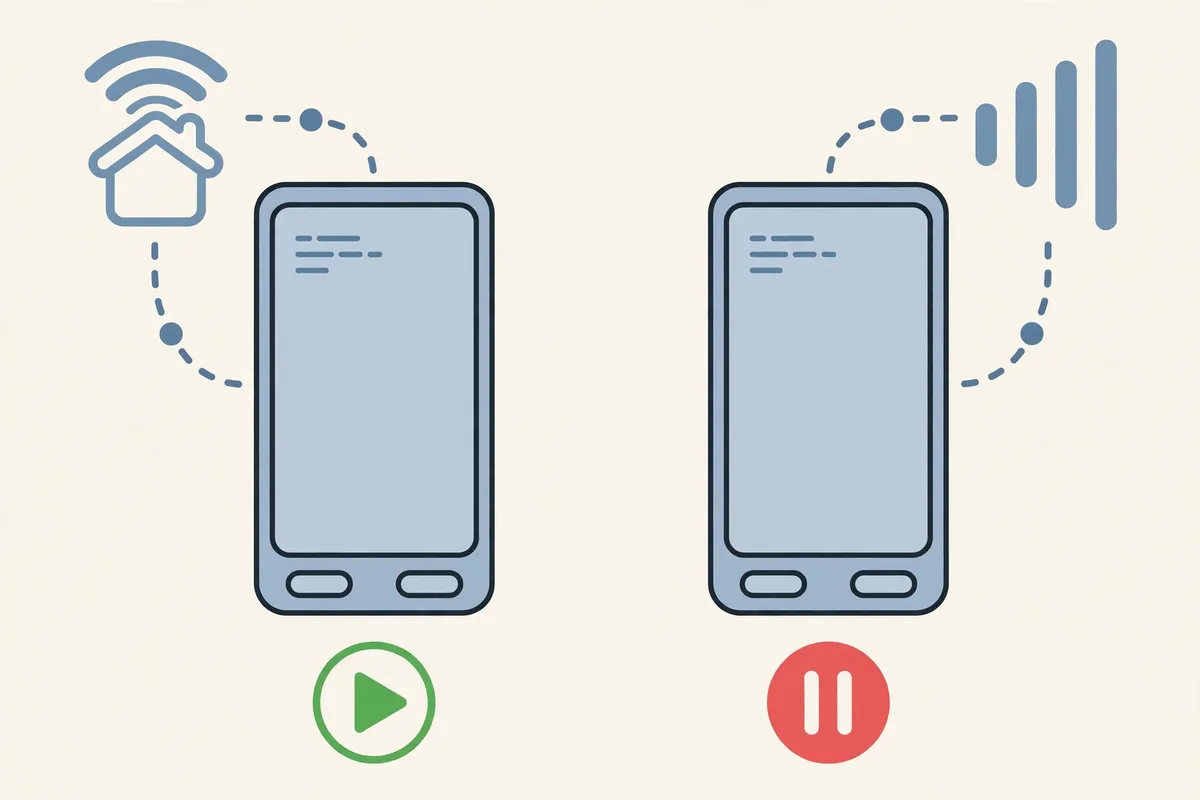
Because Content Lock lives on EE’s mobile network, not on your phone or your broadband. On EE data, every connection passes through EE’s filter first; on Wi-Fi, the traffic leaves through your broadband provider instead, and EE’s filter never sees it. That is why the same channel can work perfectly at home and fail completely on the train.
Content Lock exists to block 18-rated websites, and EE turns it on by default on many accounts — usually at Moderate. The trouble is that an IPTV app does not behave like a web browser. It holds a long video connection open to a server the filter has never classified, sometimes on an address or port the filter does not recognise, and a cautious filter treats the unknown as a risk. The connection is refused without any message, so the app shows a spinning circle while your browser and other apps carry on working.
The 60-Second Test That Proves Content Lock Is the Cause
Do not touch any setting until you have run this test — it takes a minute and tells you whether Content Lock is involved.
- 1Turn your phone’s Wi-Fi off so it is definitely using EE mobile data, and try the channel that failed before.
- 2Turn Wi-Fi back on, connect to your home broadband, and try the very same channel again.
- 3On EE data, open your browser and try an 18-rated website. If EE shows its blocking page, Content Lock is on for your line.
| What you see | What it means | What to do next |
|---|---|---|
| Plays on Wi-Fi, fails on EE data | Content Lock is the prime suspect | Switch it off (Fix 1 or 2) |
| Fails on Wi-Fi too | Not Content Lock — it cannot reach your broadband | Check the app, router or provider |
| Browser shows EE’s blocking page on data | Content Lock is confirmed on for this line | Switch it off, then re-test |
| Nothing works on EE data, not even the browser | A data or signal problem, not a filter | Check data allowance and signal |
| Works on one EE phone, fails on another | The block is on one line, not the account | Switch it off on the failing line |
If the Wi-Fi test passes and the mobile-data test fails, you have your answer: Content Lock is the filter EE puts on its network.
Fix 1: Switch Content Lock Off in the EE App (Pay Monthly)
If you are on a pay monthly EE plan and you are the account holder, the EE app is the fastest way to switch Content Lock off. If the line belongs to someone else in your household, they will need to do this themselves.
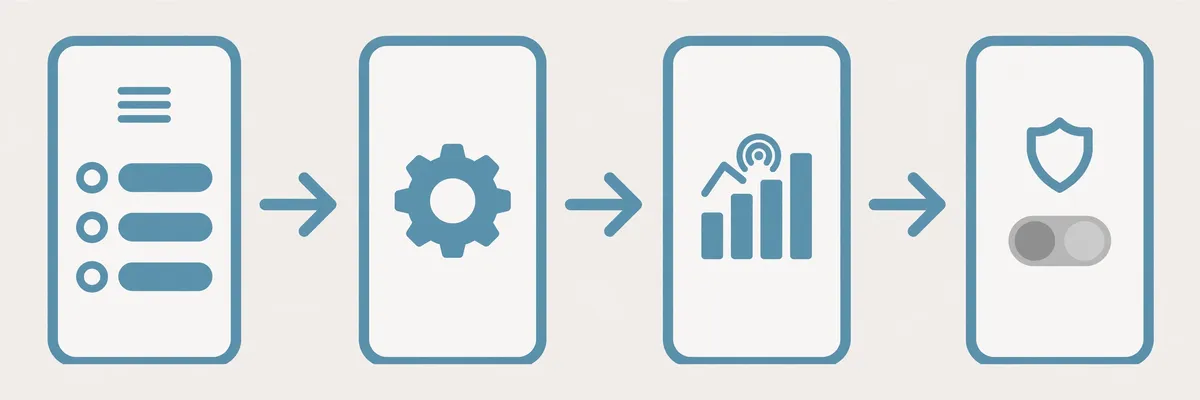
- 1Open the EE app and sign in with the account that owns the mobile line.
- 2Tap Manage at the bottom of the screen, scroll to Settings, then tap Check settings.
- 3Select Data and usage, then How parental controls work.
- 4Choose Off. EE offers three levels: Strict (under-13s), Moderate (teens 13+) and Off (adults 18+).
- 5Complete the credit-card age check. EE checks the card details match the name and address on your EE bill. American Express and Diners cardholders may see a £2 check charge, refunded straight away.
- 6Toggle aeroplane mode on and off, or restart your phone. The change can take a few minutes to reach the network, and reconnecting makes your phone pick it up.
If the EE app looks different, try the newer path: tap the profile icon at the top-right, then Settings, then Parental Controls, then Change settings. Then open your IPTV app on mobile data and try the same channel — if it plays, the job is done.
Fix 2: Pay As You Go — Call 150 or 1818, or Visit an EE Store
Pay-as-you-go customers cannot change Content Lock in the EE app or on My EE. You need to call EE or visit a store instead.
- 1Call EE on 150 from your EE phone (or 07953 966 150 from any other phone) and ask for Content Lock to be removed.
- 2Have a credit card ready. EE uses a refundable card payment as the age check. Alternatively, call 1818 from the EE phone you want the lock removed from.
- 3Or visit an EE store with photo ID — a passport, full driving licence, EU card or citizen card.
- 4Restart your phone or toggle aeroplane mode, then test your IPTV app on EE mobile data.
A warning from the EE community: some pay-as-you-go customers were told in store that the lock was removed when it had not been. If the store says it is done but your IPTV still fails on EE data, move on to Fix 3.
Fix 3: Make the Change Stick — Reconnect and Re-Test Properly
Switching Content Lock off does not always take effect instantly, and a sloppy re-test is the most common reason people think the fix failed.
- 1Wait at least five minutes, then toggle aeroplane mode on and off to force a fresh network connection.
- 2Close your IPTV app fully, reopen it, and reload the playlist or guide.
- 3Test a live channel, then a film, then the guide. If all three load on EE data, Content Lock was the problem.
- 4If it still fails after ten minutes, restart your phone and try once more before changing anything else.
Still Blocked After Switching It Off? Work Through These Checks
A few cases are not Content Lock. Work through these in order.
- ✓Check every line on the account — the setting is per line, so a tablet or second SIM needs its own switch-off.
- ✓Check your data allowance and signal — a stream needs around 15 Mbps for HD and 25 Mbps for 4K. A weak signal or a used-up allowance stalls the picture.
- ✓Reset your network settings — a wrong APN can break some apps while the browser still works.
- ✓Try a different IPTV player app — if one fails and another works on the same EE connection, the first app’s server address is being filtered.
- ✓Test on a second EE device — if it fails on two EE phones but works on Wi-Fi, the block is on the account or network. If it fails on one phone only, the fault is in that phone.
- ✓Ask your IPTV provider whether their servers are reachable from EE.
What This Says About Your Current IPTV Setup
Content Lock is not broken — it does what EE built it to do, and it will keep filtering anything unfamiliar on your mobile line. Every time your provider changes a server address, the filter may block it again. The right next step is to test a service built to work on ordinary UK networks — a proper trial lets you check on your own phone, and on EE mobile data with Content Lock off, whether the channels load first time, before you pay for a long plan. Do not pay for a VPN to beat Content Lock — it costs every month for a problem EE lets you switch off for free.
Try IPTVUK free tonight: start a free trial and test the full service on your own phone — live channels, the film library and 7-day catch-up — on EE data as well as Wi-Fi. Then compare the three plans on the pricing page (£12.99 a month, £24.99 for three months, £49.99 a year), or order in minutes by messaging us on WhatsApp.
Our What Is IPTV guide explains how IPTV reaches your screen, our IPTV subscription buyer’s guide lists the checks worth running before you commit to a provider, and our best IPTV UK guide shows what a service worth paying for looks like. On a different network, our Plusnet Safeguard fix and TalkTalk HomeSafe fix cover the same problem — the full list is on our blogs page.
Test it free tonight
The free 24-hour trial is the fastest way to find out whether your channels stream smoothly on your own TV before you pay anything.
Start Your Free TrialOr order in minutes on WhatsApp.
Verdict: Test on Wi-Fi First, Switch Content Lock Off, Then Trial the Service
IPTV that works on Wi-Fi and dies on EE mobile data is almost always EE Content Lock, a free filter that only runs on the mobile network. Confirm it with the Wi-Fi-versus-data test, switch it off as the account holder — in the app for pay monthly, by calling 150 or 1818, or in store for pay as you go — wait a few minutes, reconnect and re-test. If the stream comes back, the job is done in minutes.
IPTVUK carries 55,000+ live UK and international channels and 195,000+ movies and series, streams in 4K and Full HD with Anti-Freeze Technology 9.1, includes a 7-day catch-up TV guide, and backs it with 24/7 UK support. Plans run from £12.99 a month with no long contract.
IPTVUK carries 55,000+ live UK and international channels and 195,000+ movies and series, streams in 4K and Full HD with Anti-Freeze Technology 9.1, includes a 7-day catch-up TV guide, and backs it with 24/7 UK support. Plans run from £12.99 a month with no long contract, and every plan starts with the same full service.
Sources: EE — How do I turn on/off parental controls on mobiles (ee.co.uk, updated 8 September 2026); EE Community — Content unlock, solved threads on switching Content Lock off for pay monthly and pay-as-you-go lines (community.ee.co.uk).
Frequently Asked Questions
Q. Why does my IPTV work on Wi-Fi but not on EE mobile data?
EE Content Lock is a free filter that only works on EE’s mobile network, not Wi-Fi. It blocks destinations it does not recognise, and IPTV streams are a common casualty because the app holds a long connection open to a server the filter has never classified. Switch Content Lock off in the EE app or by calling 150.
Q. How do I turn off EE Content Lock?
If you are the pay monthly account holder, switch it off in the EE app: Manage, then Settings, then Data and usage, then How parental controls work — choose Off and complete the credit-card age check. Pay-as-you-go customers cannot change it in the app; call 150 or 1818 with a credit card ready, or visit an EE store with photo ID.
Q. Do I need to be the account holder to switch Content Lock off?
Yes. Only the account holder can change the setting for a line. If the line belongs to someone else, they need to make the change or give you access to the EE account. EE will also ask for a credit-card age check, and the setting is per line.
Q. Is EE Content Lock the same as parental controls?
It is the same system under two names. There are three levels — Strict for under-13s, Moderate for teens 13+, and Off for adults 18+. Content Lock is the name EE uses for the filter.
Q. Will turning off Content Lock affect my children?
It removes the network-level filter from that line only, so a phone with Content Lock off can reach 18-rated content. If children use the same phone, use the phone’s own screen-time controls instead, or keep Content Lock on that line.
Q. Does Content Lock slow down my IPTV even when it does not block it?
Not noticeably. Content Lock either refuses a connection or lets it through — it does not throttle speed. If your IPTV buffers on EE data after the lock is off, the cause is more likely signal strength, congestion or a slow mobile connection. Test the same channel on Wi-Fi to compare.
More from the IPTVUK Blog
TalkTalk HomeSafe Blocking Your IPTV? Here’s the Fix
HomeSafe blocks IPTV at the network level. Test it in 30 seconds and switch it off in My Account.
TROUBLESHOOTINGPlusnet Safeguard Blocking Your IPTV? Here’s the Fix
Safeguard blocks IPTV at the network level. Test it in 30 seconds and switch it off in the Plusnet account.
TROUBLESHOOTINGVirgin Media Web Safe Blocking IPTV? How to Switch It Off and Stream Again
Web Safe blocks IPTV at the network level. Test it in 30 seconds and switch it off in My Virgin Media.
